A blood pressure monitor error is not a blood pressure value. Record the exact display and the device model, then follow the model’s instructions or seek support. Do not enter zero, invent a replacement reading or assume an error means the pressure is normal.
Separate the error from any actual result
Write down the code or symbol exactly as displayed. If the screen also shows a number, check the instructions to understand whether it belongs to that attempt or is a stored previous reading. Do not copy a recalled value into the current session without labeling its original time.
Keep the model and cuff information with the note. Similar-looking codes are not necessarily interchangeable between brands or models.
Use an attempt log rather than a made-up reading
An unsuccessful attempt can have a timestamp and context without containing systolic or diastolic values. Note what you observed—movement, a loose tube or no obvious problem—without claiming that it caused the error.
| Field | Record |
|---|---|
| Monitor | Exact brand/model from case |
| Attempt time | Nov 16, 08:10 |
| Display | Code copied exactly; no valid reading saved |
| Observed context | Moved arm while adjusting sleeve |
| Next step | Checked this model’s instructions |
“08:10, error, no reading” followed by “08:18, completed measurement” is clearer than placing 0/0 at 08:10. A zero entry could distort an average or appear to be a real result when the file is shared.
Avoid an endless sequence of retries
Use the manufacturer’s preparation and troubleshooting instructions, including any specified wait or retry steps. If errors continue, ask the manufacturer or your healthcare team about the device and another appropriate way to obtain readings. This guide does not supply a universal code list.
Do not treat repeated errors or repeated successful measurements as a way to prove that symptoms are harmless. If you have concerning symptoms, seek appropriate medical help; troubleshooting the monitor should not delay that.
Bring the equipment question to follow-up
Share the error pattern, when it began and whether the cuff or device changed. Bring the equipment if your clinician asks. Keep error attempts separate from the readings used in a summary, and explain that some planned measurements could not be obtained.
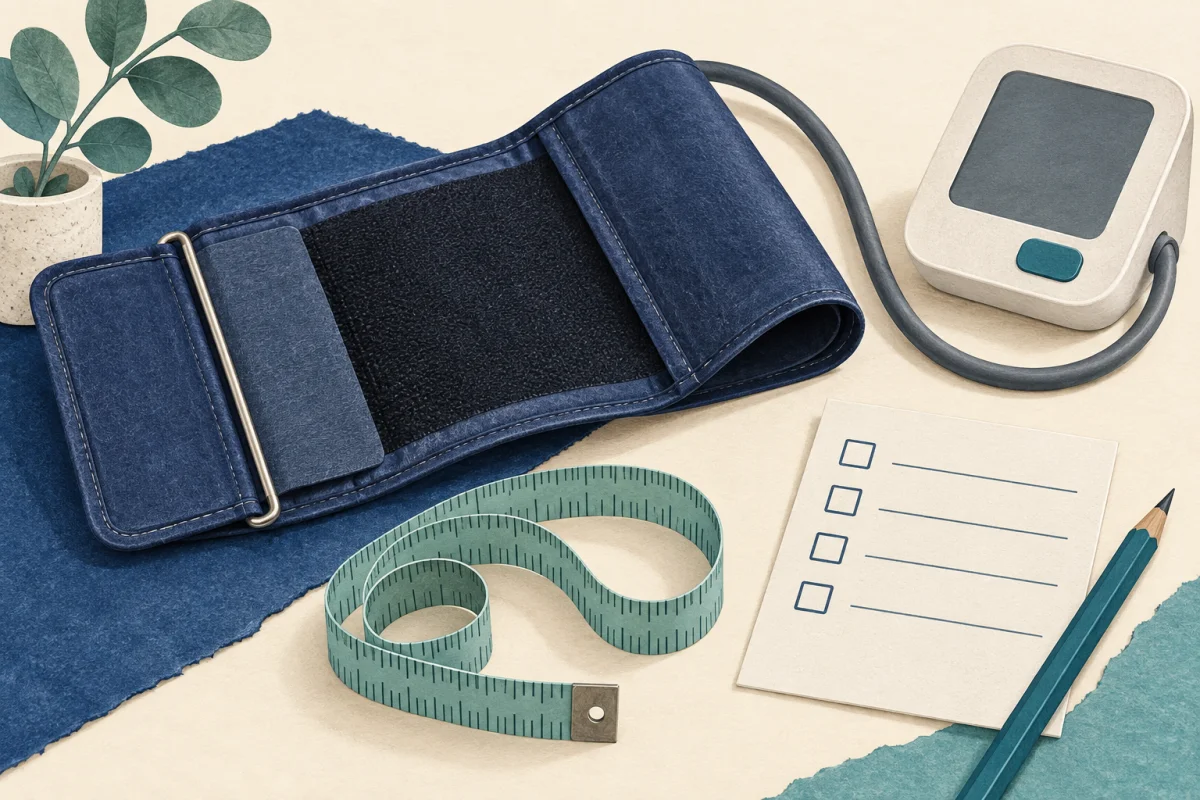
The cuff-fit checklist helps identify equipment details. For successful readings, follow your agreed measurement plan and keep the original results rather than selecting only the numbers you prefer.
What if the error disappears before you copy it?
Write that an error occurred and that the exact code was not captured. Do not select a code from a search result because its explanation seems to fit. Note the model, approximate time and whether a later attempt produced a reading. If the issue recurs naturally, preserve the display then; there is no need to provoke repeated failures just to obtain a better support note.
Use the free resources
The blood pressure resource page has related guides and tools. Use paper if that is easier; the article’s worksheet does not require an account or an app. Keep personal notes on your own device and share only the information needed for your question.
Sources & checks
- American Heart Association: home blood pressure monitoring ↗
Use appropriate equipment and technique, review home equipment with healthcare professionals and do not substitute home monitoring for medical care.
Checked against these sources on 2026-09-30. Source and editorial check: September 30, 2026. Worked examples and worksheets are original illustrations. This is not clinician-reviewed medical advice. This is educational content, not individual medical advice or a clinician-reviewed treatment plan.
Our editorial process · Suggest a correction