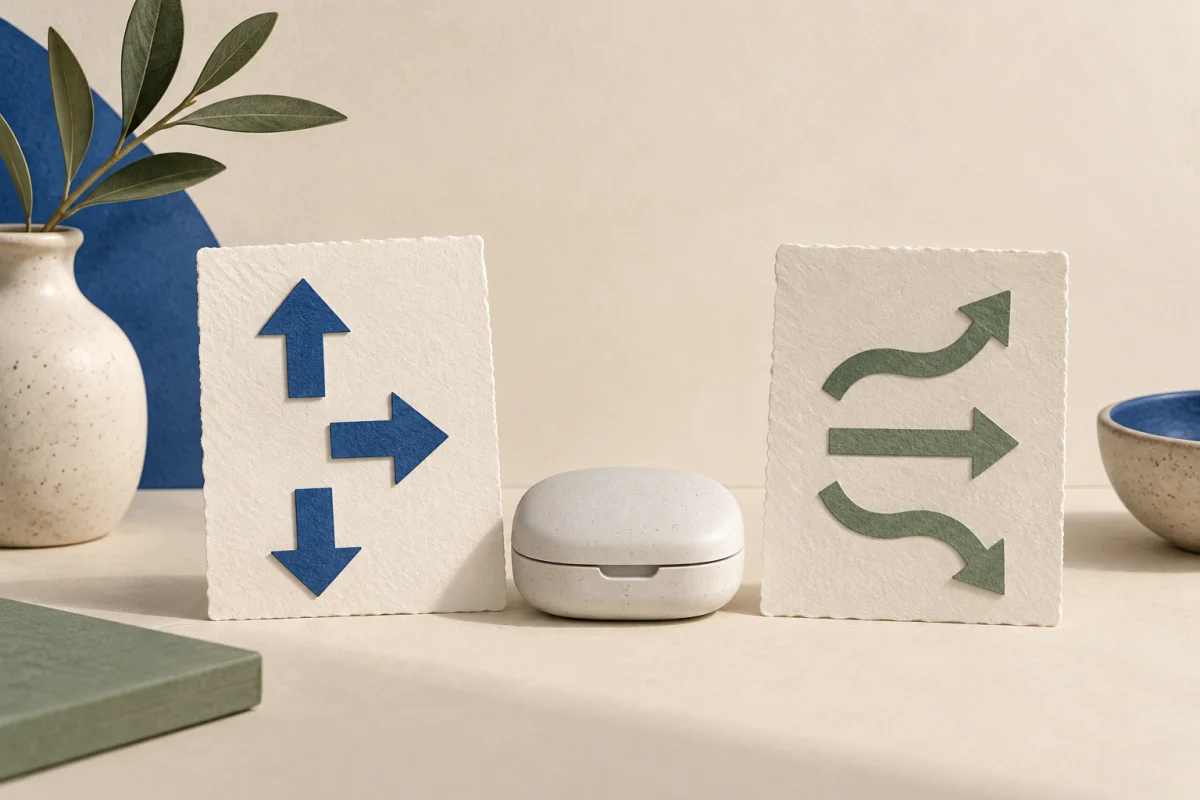
A CGM value and its trend arrow are different pieces of information. Keep the displayed value, unit, timestamp, arrow and device name together without converting the arrow into a second glucose value or a treatment instruction.
Preserve the display before interpreting it
A CGM estimates glucose in fluid between cells and may show direction-of-change information. The exact symbols and their definitions belong to the specific system’s instructions. Do not transfer an arrow definition from another device simply because the symbols look similar.
If the reading or alarm needs action, follow your device instructions and personal care plan first. Taking a screenshot or writing a note must not delay that response.
Use separate fields for value and trend
A simple copy record can include the displayed time, the time you looked, the unit and the arrow as shown. If the arrow is absent, record “not displayed”; absence is not a flat arrow.
| Field | Entry |
|---|---|
| Value and unit | 142 mg/dL |
| Displayed time | 10:20 |
| Viewed at | 10:22 |
| Trend | Upward arrow as displayed; device definition retained separately |
| System | Exact model/app version when relevant |
“142 mg/dL, arrow up” does not mean 142 plus an invented correction amount. The arrow is retained as context. This example is not a recommendation about what to eat, how much insulin to use or whether the result is acceptable for you.
Keep a meter comparison as another observation
If your care plan or device instructions call for a finger-stick check, record its own time, unit and result. Do not overwrite the CGM record with it. Measurements obtained by different methods at different times should not be made to look like a simultaneous pair.
A screenshot can help preserve the original display, but protect names, account information and any unrelated health details before sharing it outside your care team.
Ask a device-specific question
Useful questions include: “What does this exact symbol mean on my system?”, “What should I do when the arrow is missing?” and “When does my plan require a meter check?” Bring the original instructions and describe any symptoms or alarms that accompanied the display.
The glucose-log guide covers units and meal timestamps. A general tracker can organize your notes; do not assume it connects to your CGM or reproduces its clinical decision functions unless its current documentation explicitly says so.
What if the export drops the arrow?
Keep the export’s glucose data as exported and add a separate note about the missing trend field if that matters to your question. Do not reconstruct past arrows from a smoothed graph and present them as the original display. A screenshot taken at the time may supply context, but label its timestamp. Ask the device provider or care team which report best preserves the information they need.
Use the free resources
The blood sugar resource page has related guides and tools. Use paper if that is easier; the article’s worksheet does not require an account or an app. Keep personal notes on your own device and share only the information needed for your question.
Sources & checks
- NIDDK: continuous glucose monitoring ↗
CGM estimates interstitial glucose and may show direction/rate information; device instructions and individual care plans govern responses.
Checked against these sources on 2026-09-30. Source and editorial check: September 30, 2026. Worked examples and worksheets are original illustrations. This is not clinician-reviewed medical advice. This is educational content, not individual medical advice or a clinician-reviewed treatment plan.
Our editorial process · Suggest a correction